

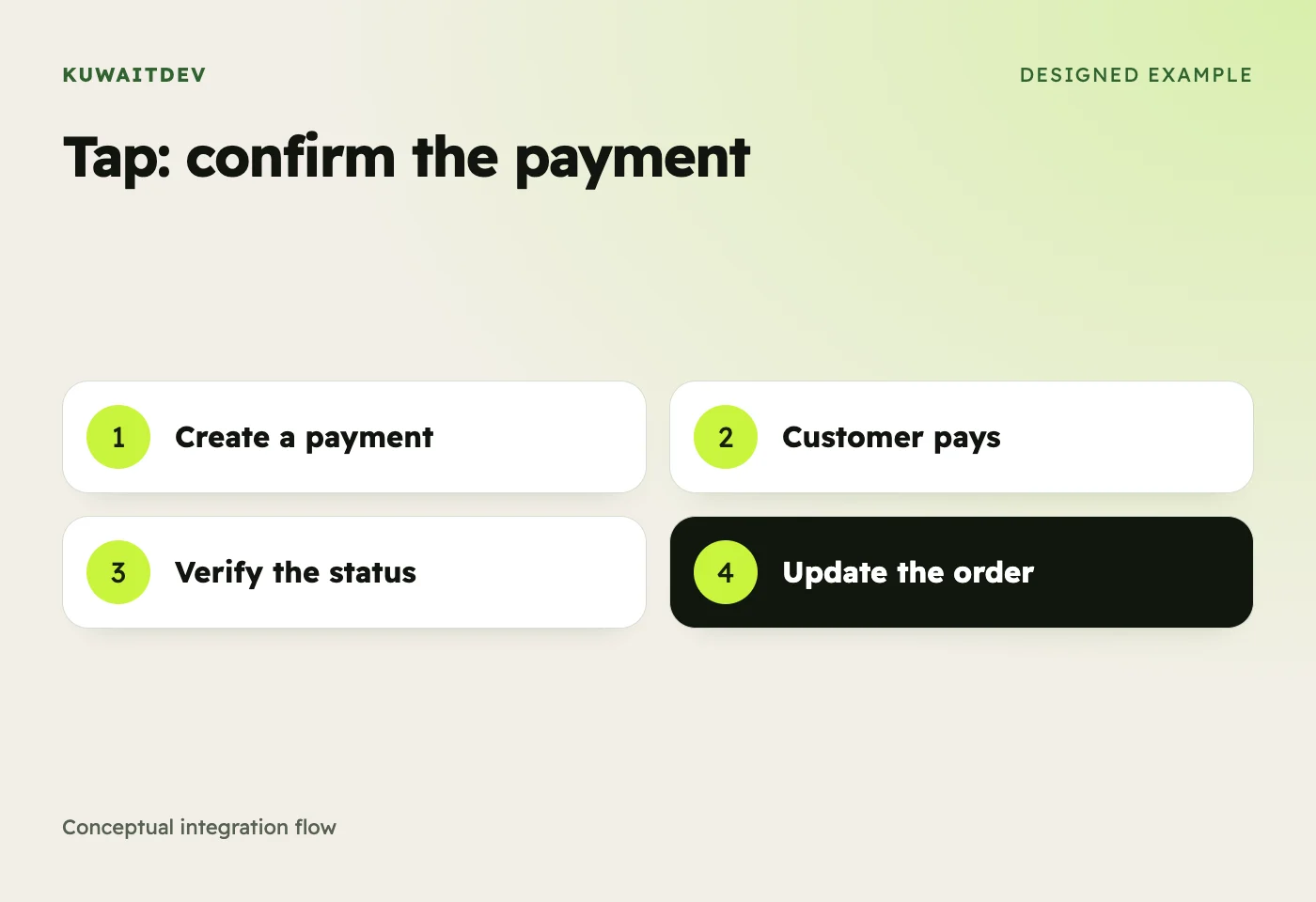
This is the practical Tap Payments integration guide for Kuwait stores in 2026, written from dozens of production integrations. We cover: signup + KYC, choosing between hosted and embedded checkout, the actual API calls, webhook setup, refunds, testing, and the gotchas that cost teams a week.
Why Tap Payments for Kuwait
Tap is Kuwait-founded but GCC-wide. One API gives you KNET, Visa, Mastercard, Apple Pay, Google Pay, Mada (Saudi), Benefit (Bahrain), Tabby, and Knet. Documentation is the cleanest in the region, most of the integration time is your checkout UI work, not figuring out the API. If you're a developer-first team selling across GCC, Tap is the right call. Compare against MyFatoorah and KNET direct if you're not sure.
Step 1: Signup and KYC (1–3 days)
- Sign up at business.tap.company with your commercial registration (CR) and license details.
- Submit KYC documents, Kuwait merchants need CR, civil ID, bank IBAN, signed activation letter.
- Once approved, you get a test (sandbox) account immediately and live credentials within 3–7 business days.
- In the dashboard, generate two API keys: secret (server-side) and publishable (client-side).
Step 2: Pick hosted vs embedded checkout
Hosted, redirect customers to Tap's payment page. Fastest to launch, weakest brand consistency. Use for: prototypes, simple sites, or admin-only payment links.
Embedded, Tap's Card SDK and Apple Pay SDK render inside your site/app. Best UX, takes 2–3x more time. Use for: production stores where conversion matters.
Our default recommendation: embedded for ecommerce, hosted for service businesses where each transaction is high-value and conversion isn't the bottleneck.
Step 3: Create a Charge (server-side)
The core API call is POST /v2/charges. Authenticate with your secret key. Minimum required fields: amount, currency (KWD), customer details, source, redirect URL.
POST https://api.tap.company/v2/charges
Authorization: Bearer sk_test_xxx
Content-Type: application/json

{ "amount": 5.500, "currency": "KWD", "customer": { "first_name": "Ahmed", "email": "[email protected]", "phone": { "country_code": "965", "number": "50000000" } }, "source": { "id": "src_kw.knet" }, "redirect": { "url": "https://yourstore.com/payment/return" }, "post": { "url": "https://yourstore.com/api/tap-webhook" } }
The response includes a transaction.url, redirect the customer there (or pass it to the Tap SDK for embedded). The source.id determines the payment method: src_kw.knet for KNET, src_card for cards, src_apple_pay for Apple Pay, src_all for the unified checkout.
Step 4: Webhook handling (this is where bugs live)
After payment, Tap POSTs to your post.url with the charge object. Always verify the signature, Tap signs with HMAC-SHA256 using your secret key. Then check the status field: CAPTURED means success, FAILED/CANCELLED means don't fulfill the order. Idempotency matters: webhooks can fire twice. Match on charge.id and only mark the order paid once.
// Node.js webhook handler example (single-line for brevity)
import crypto from 'crypto';
app.post('/api/tap-webhook', (req, res) => {
  const sig = req.headers['hashstring'];
  const expected = crypto.createHmac('sha256', process.env.TAP_SECRET).update(JSON.stringify(req.body)).digest('hex');
  if (sig !== expected) return res.status(401).end();
  const { id, status } = req.body;
  if (status === 'CAPTURED') { /* mark order paid (idempotent on id) */ }
  res.sendStatus(200);
});
Step 5: Apple Pay setup (Kuwait-specific gotcha)
Apple Pay on web requires a domain verification file at /.well-known/apple-developer-merchantid-domain-association. Tap generates this file for you in the dashboard, download it, deploy it, then click "Verify" in Tap. Verification only works on HTTPS. Once verified, Apple Pay shows up in your checkout for Safari users on iOS and macOS. Average lift in Kuwait checkouts: 8–15% of revenue.
Step 6: Refunds
POST /v2/refunds with charge_id, amount (can be partial), and reason. Refunds settle in 3–7 business days back to the original payment method. KNET refunds in Kuwait go back to the same debit card; cardholders sometimes don't see the refund for up to 14 days due to bank processing. Tell your support team in advance.
Step 7: Testing in sandbox
- Test KNET card: 8888880000000003 PIN 1234, always succeeds.
- Test Visa: 4242424242424242 CVV 123, always succeeds.
- Force failures with specific test cards in Tap's documentation.
- Always test: success flow, decline flow, 3DS challenge, abandoned payment (don't redirect back), refund, partial refund.
Common gotchas we've seen in production
- Currency mismatch, Tap rejects amounts with wrong decimal places. KWD uses 3 decimals (5.500, not 5.50).
- Customer phone format, must include country_code separately, no leading + in number.
- Webhook IP whitelisting, if your firewall blocks Tap's webhook IPs, payments succeed but orders never mark paid. Whitelist Tap's published IPs.
- 3DS abandonment, about 3-5% of customers abandon at the 3DS challenge. Log abandoned charges and trigger recovery emails.
- KYC re-verification, Tap occasionally re-runs KYC on merchants who change directors or addresses. Submit updates proactively to avoid freezes.
How long does a Tap integration take?
Hosted checkout: 5–10 hours. Embedded card SDK + Apple Pay + webhook handler + admin refund UI + production testing: 17–27 hours. At our Tap Payments integration service rate of 10 KWD/hour, a production-ready integration costs ~170–270 KWD. Most stores go live within a week of signup.
Where Tap loses to MyFatoorah
If you only sell in Kuwait, MyFatoorah's per-transaction fees are slightly lower and the dashboard's invoicing/payment-link tools are stronger for service businesses. See full comparison. If you sell across GCC or you're a developer-first team, Tap wins.
Need help shipping this?
We've done Tap integrations on Shopify, WooCommerce, Magento, Laravel, Next.js, Flutter, and custom Node stacks. Typical timeline: 1–2 weeks signup-to-live. Book a free one-hour consultation and we'll scope your integration in writing.